Contents
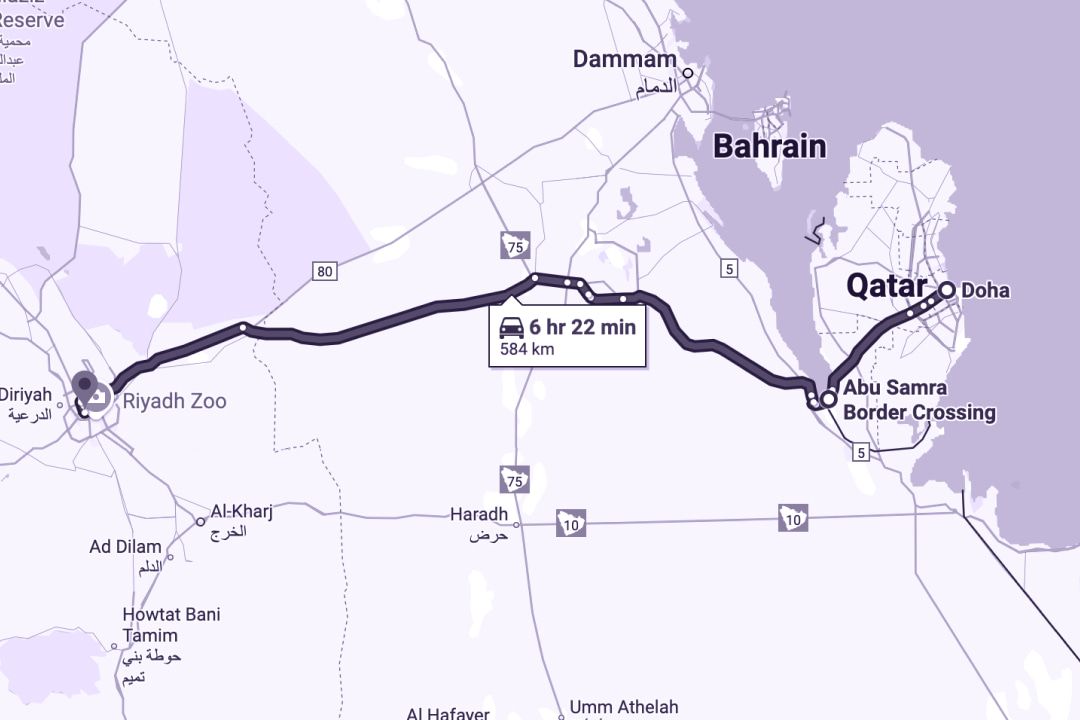
Planning a road trip through the Abu Samra border crossing? Qatar’s primary land border with Saudi Arabia and the rest of the GCC can be a logistical nightmare for motorists unless there is advanced planning. Whether you’re heading to Umrah, visiting family in the UAE, or just road-tripping across the region, registering in advance will speed up the border process.
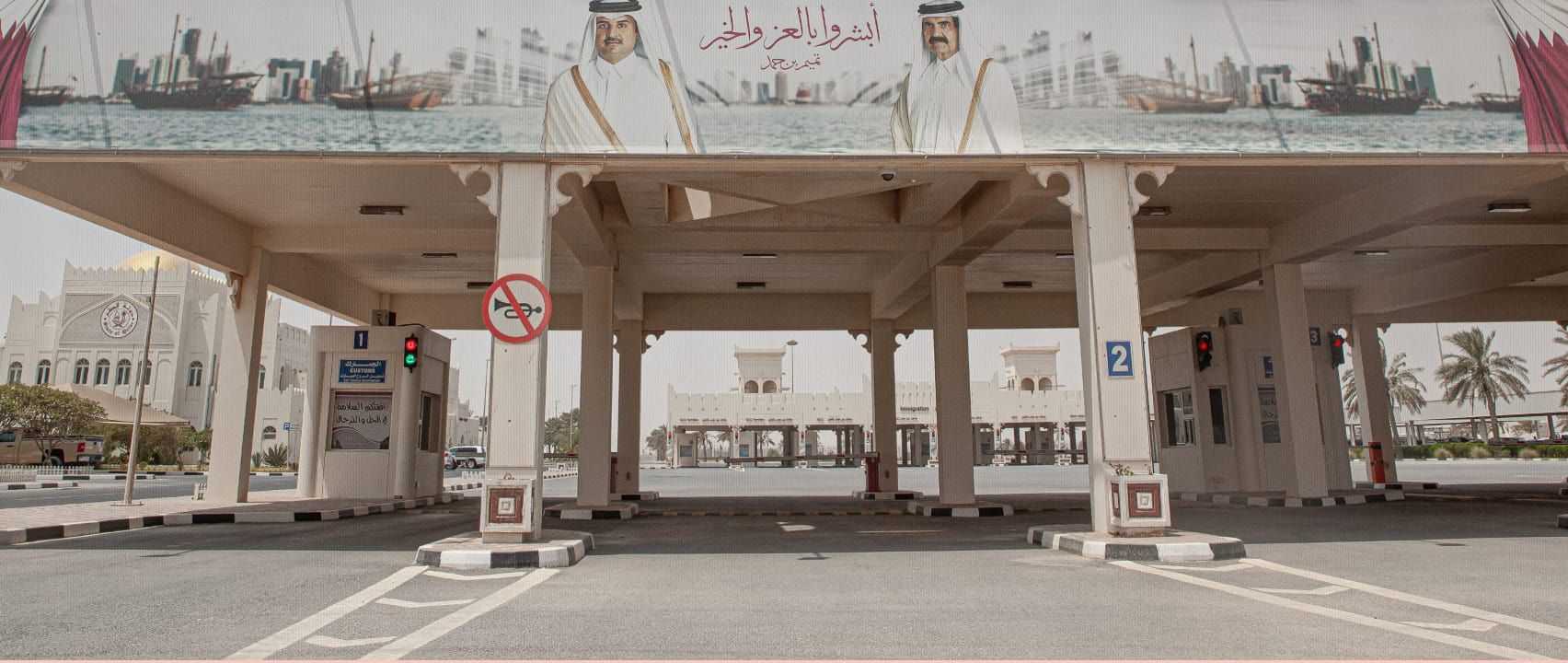
The Abu Samra border — Qatar's land link to Saudi Arabia — is a very busy one. Waiting at immigration and customs can take hours during peak periods. While pre-registration isn’t mandatory, it gives access to dedicated lanes and ensures that you will spend less time in queues. Vehicle and passenger information is pre-cleared so that border staff can process them faster. It also minimizes delays from forgotten documents or missing insurance requirements.
Who should pre-register
Qatari citizens, residents and visitors who are driving a non-Qatari vehicle are all eligible to pre-register. It is particularly useful if you are travelling with family or a large group, driving your own vehicle into Saudi Arabia, or crossing on public holidays or long weekends.
Visitors with a rental or corporate vehicle should check with the provider to see if pre-registration is permitted or needed.
Residents can pre-register through the Metrash app and visitors can pre-register through the Hayya portal.
Starting February 1, 2026, travellers entering Qatar via Abu Samra with foreign vehicles can arrange insurance online through the newly launched MSAR platform. Two options are offered: short-term (1-2 weeks) or long-term (1 month or more). Travellers can download documents and make payments through MSAR. Vehicles insured in advance will benefit from a dedicated fast lane at the border. On-site short-term insurance will no longer be offered, so it's best to arrange coverage in advance.
How to pre-register using Metrash
The easiest way to handle pre-registration for Abu Samra border is through the Metrash mobile app, which most Qatar residents already use for ID renewals and traffic services. Here’s how it works:
Download the Metrash app for Android or Apple and log in on your mobile device
1. Tap Travel from the main menu
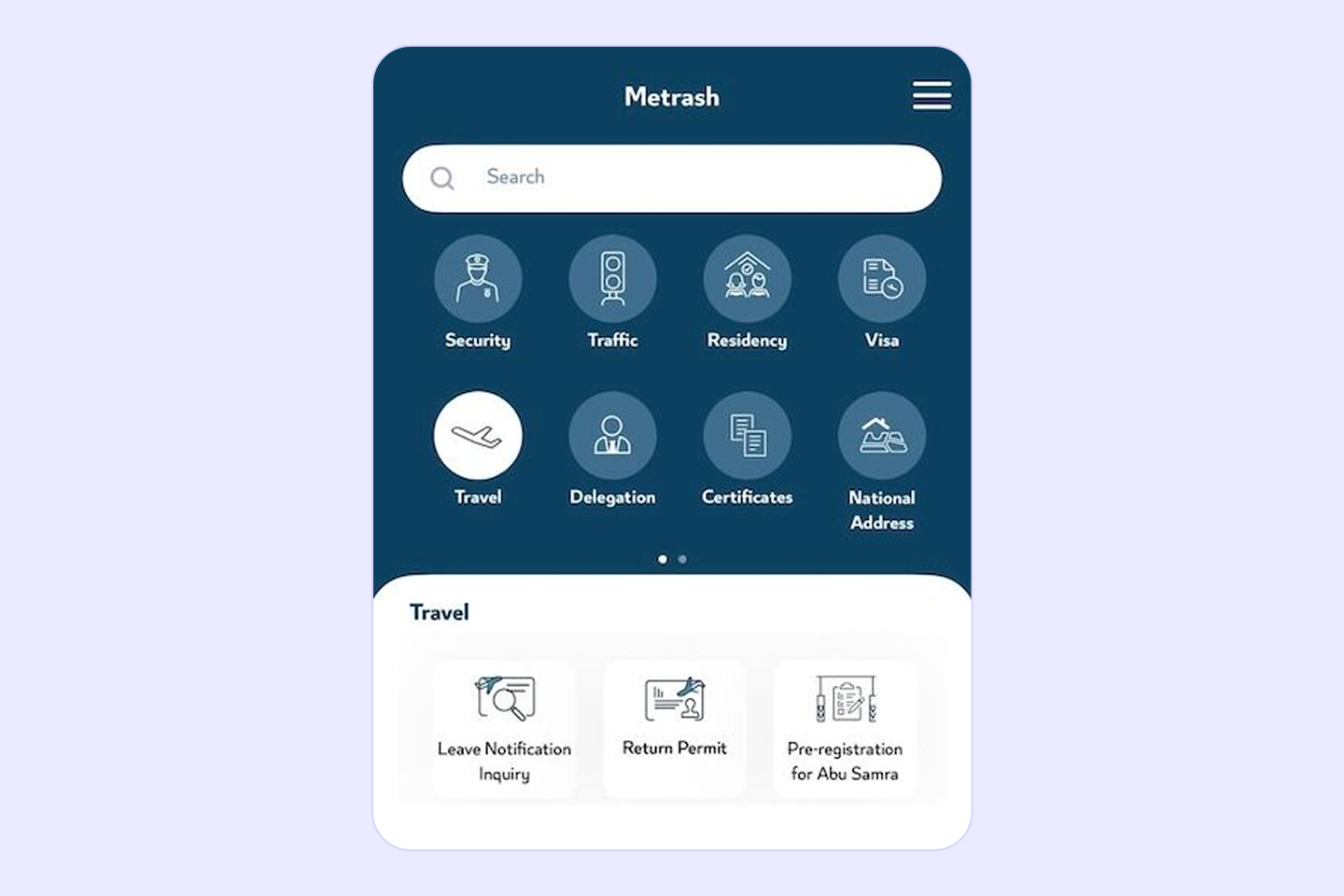
2. Choose your type of travel — either Exit if you're leaving Qatar, or Entry if you're arriving
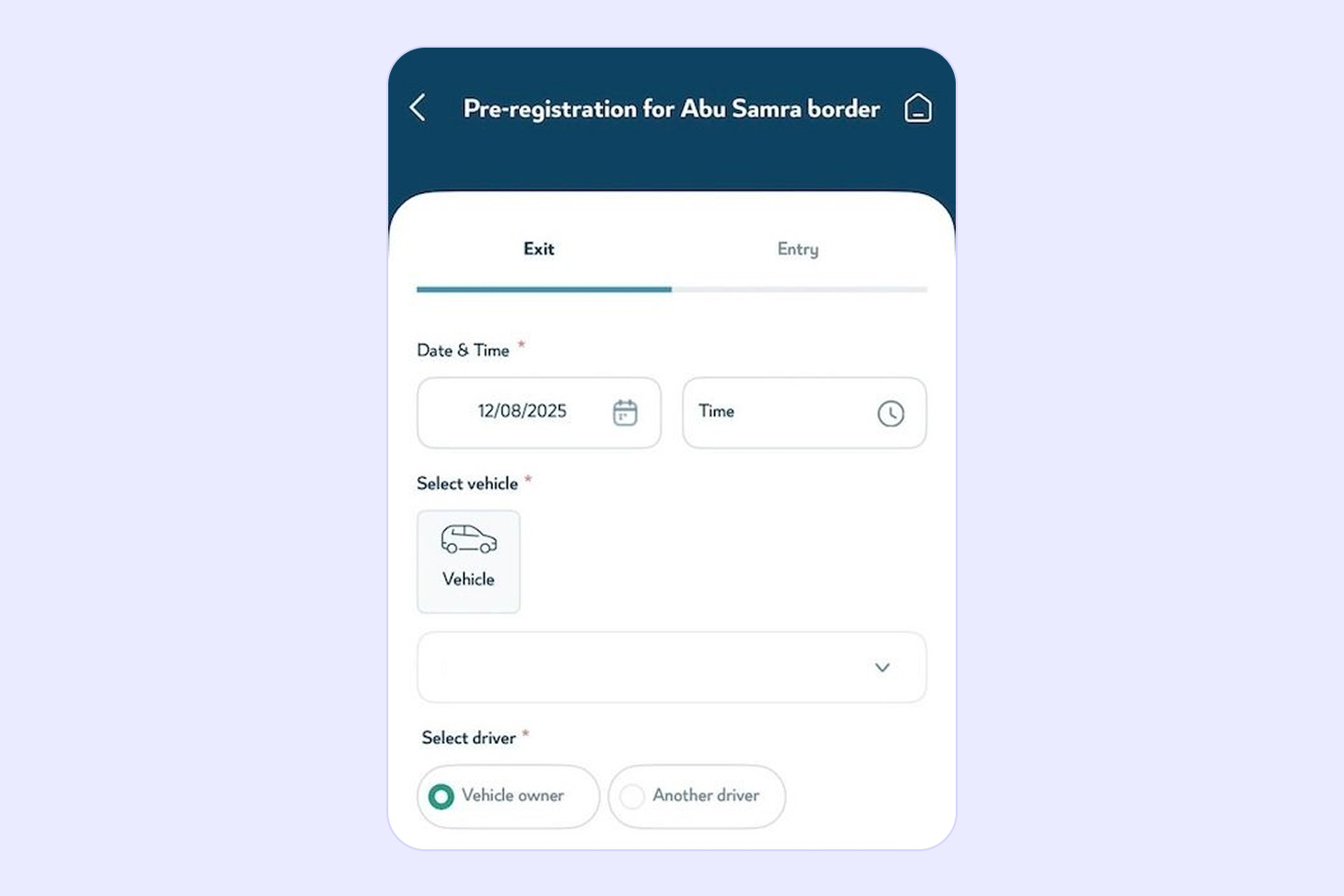
3. Enter your estimated time of arrival at Abu Samra
4. Select your vehicle type and add vehicle details
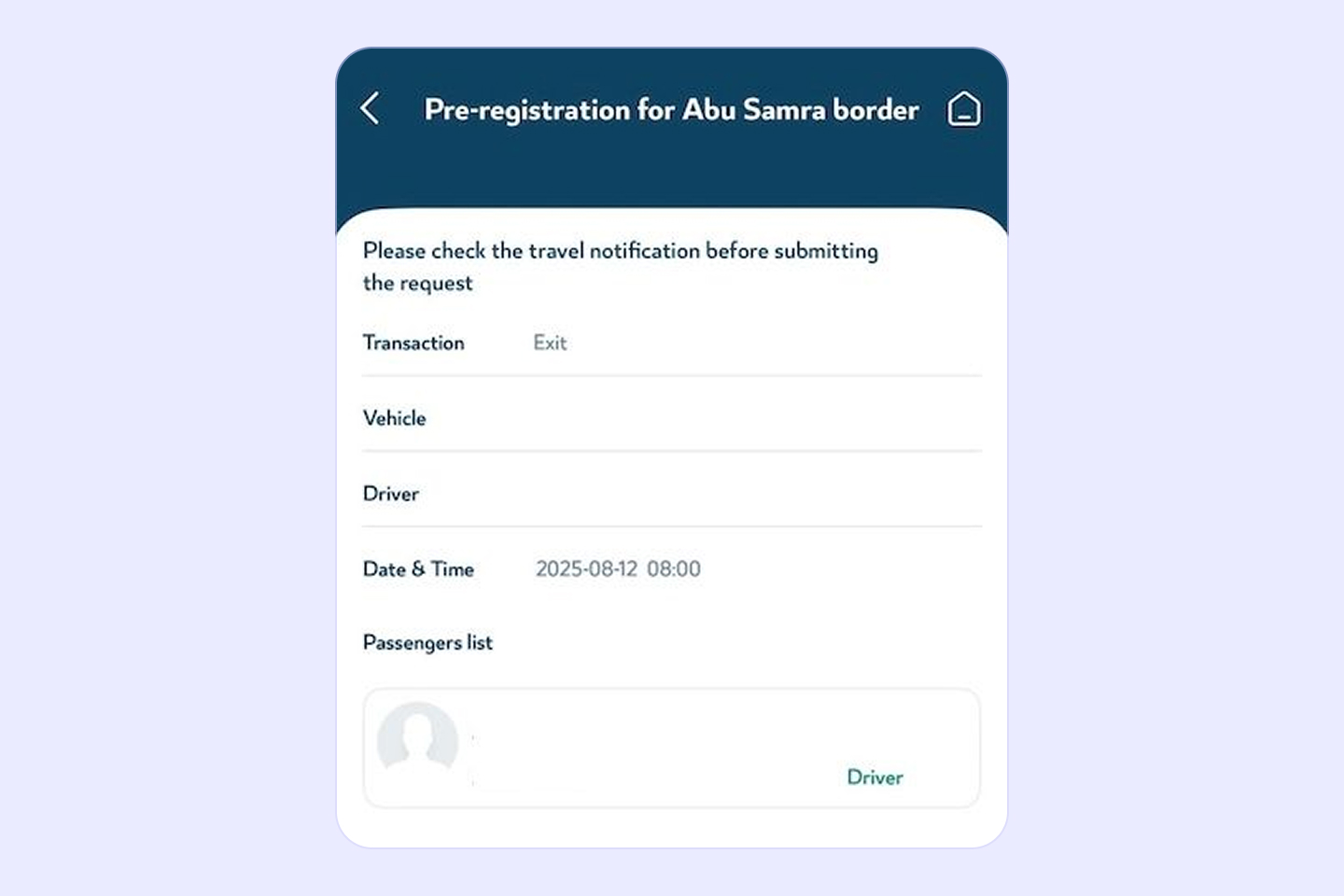
5. Add the passengers or drivers traveling with you. You can use their QID or passport number — Metrash has a document reader to scan passport information directly
6. Review and submit the registration
Upon submission, you'll receive a confirmation message in the app. Keep this handy — border officials may ask to see it at the checkpoint.
If your plans change, you can log back in at any time to edit your registration, add or remove passengers and drivers.
How to pre-register through Hayya portal
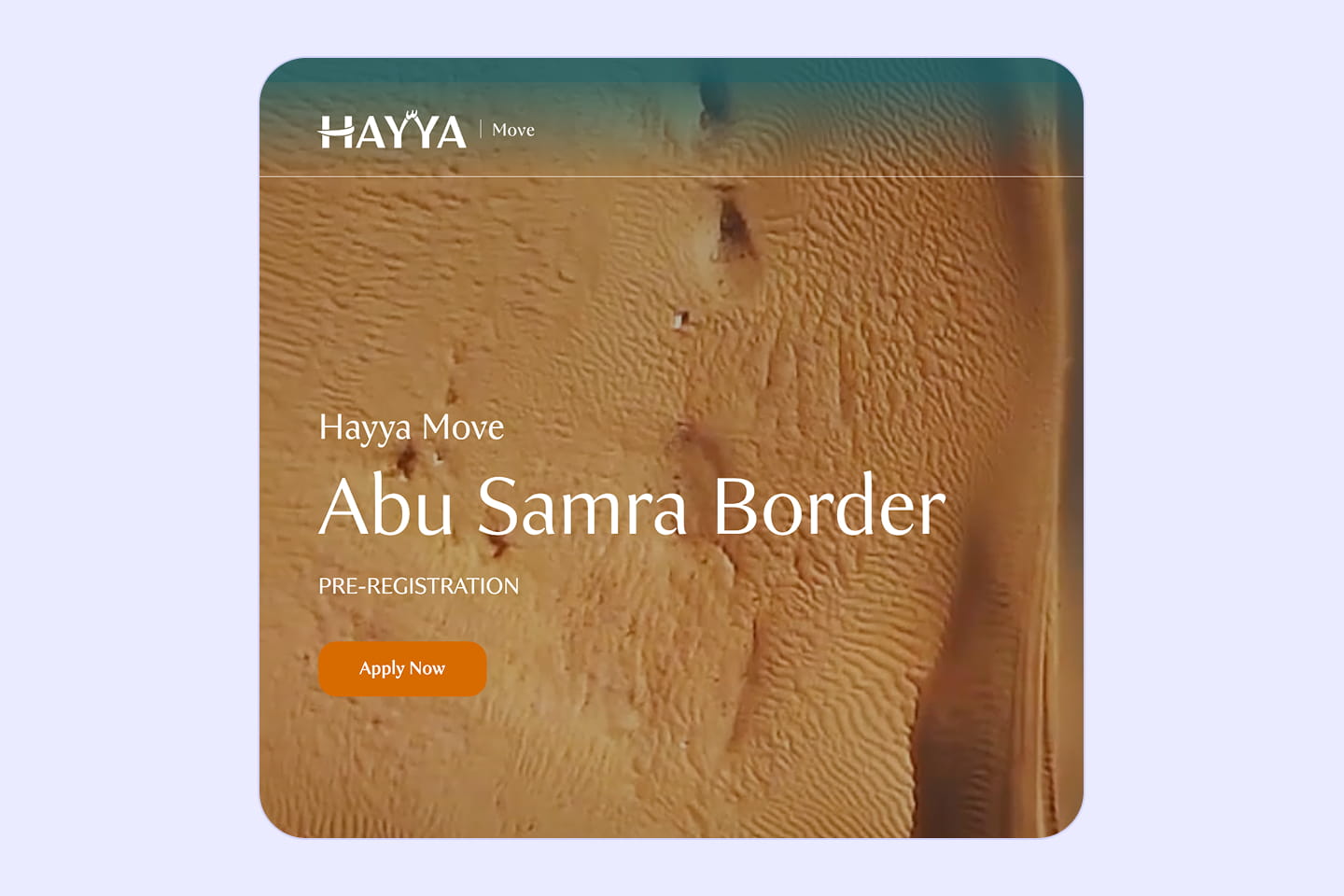
1. Access the pre-registration service on the Hayya Portal or download the app and select Abu Samra border pre-registration right on the homepage.
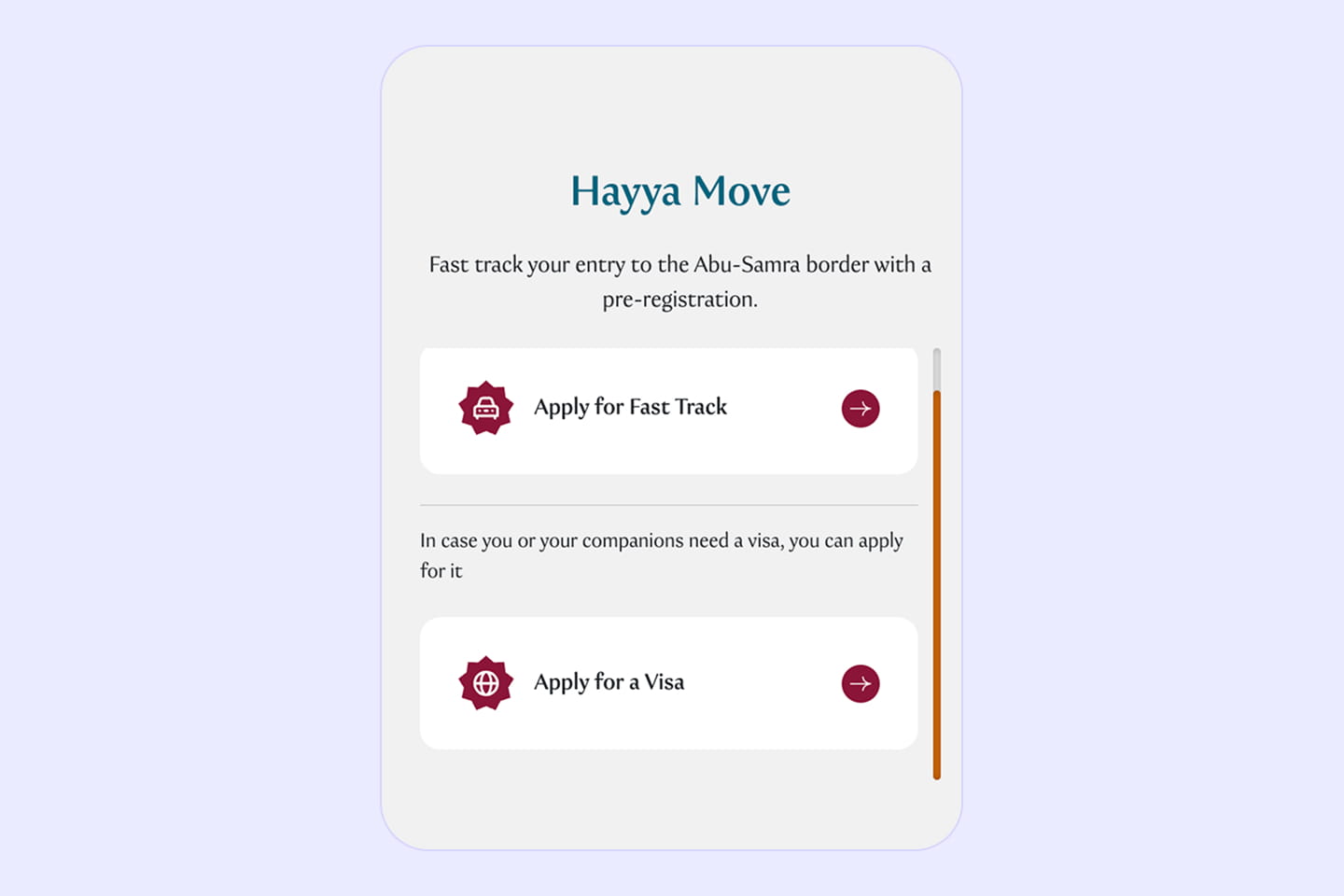
2. Choose Apply for Fast Track.
3. Enter the details about your trip and vehicle, including the make and model, owner’s full name and mobile number, vehicle registration country, country code (in both Arabic and English), and the license plate number, type, and color.
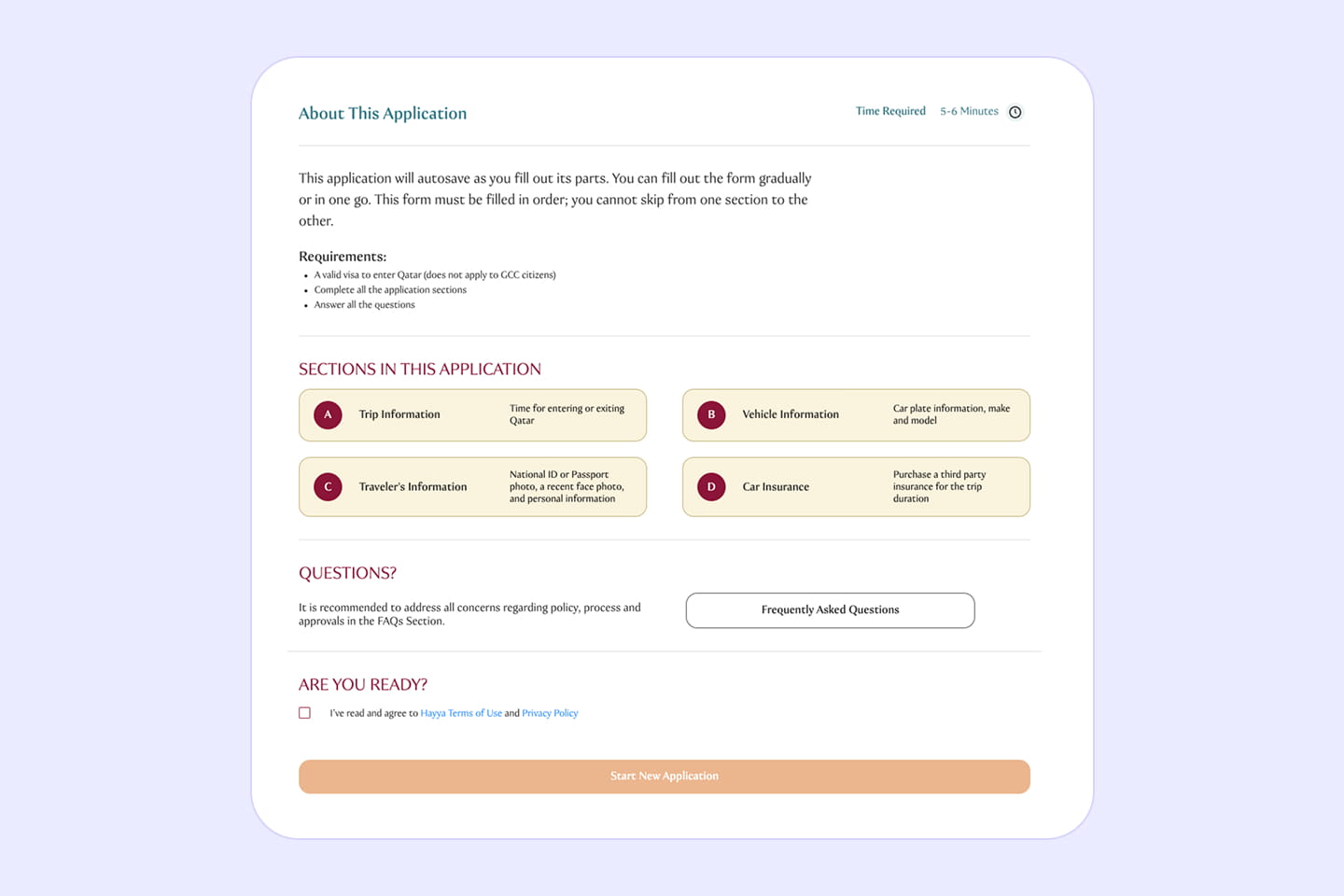
4. Add passenger information: Once your vehicle and trip are verified, you’ll be able to add details for each passenger — passport information, personal details, and their Qatar visa status.
When everything’s approved, you’ll get an email with your vehicle entry permit and QR code, which allows you to use the fast-track lane at the Abu Samra border and get through customs and immigration quickly.
Documents you’ll need at the border:
- Valid Qatari ID or passport
- Vehicle registration card — Istimara
- GCC car insurance documents
- Travel insurance — recommended
- Letter of permission (if using a company car)
- MSAR e-insurance confirmation

Practical tips for Abu Samra border crossing
Traveling by car? Remember, GCC car insurance does not automatically cover Saudi Arabia. All vehicles entering must have valid local TPL car insurance. For more details on this, see GCC car insurance add-on and learn what third party insurance covers.
Frequent cross-border drivers monitor the traffic via the Abu Samra border live camera feeds available on Metrash or the Ministry of Interior website to get a sense of the up-to-the-minute situation. During peak holiday periods, these lines typically stretch multiple kilometres and take several hours to clear. You may also want to check Abu Samra border crossing photos by other travellers — to get an idea of where to park, what the waiting areas are like, and if any new lanes or facilities have opened.
Another practical must-do is checking your vehicle’s condition. Many travelers forget that authorities may inspect your car’s Fahes certificate or look closely at any modifications. A failed last-minute inspection could lead to delays or even a rejected exit. You should inspect your Fahes vehicle well ahead of your trip to avoid last-minute mishaps.
Always keep both physical and digital copies of your key documents — vehicle, travel insurance, pre-registration confirmation. Border crossings in Qatar normally pass without a hitch, but keeping a glovebox organized and carrying a charged phone can prevent longer wait times. Small steps like these mean you spend less time at the checkpoint and more time on the open road — exactly where you want to be.
FAQ
Is Abu Samra the border crossing between Qatar and Saudi Arabia?
Can you cross the Saudi border from the UAE?
Is there border control between Bahrain and Saudi Arabia?
What is the name of the border between Saudi Arabia and Qatar?
Can I cross country from Saudi to Qatar?
Is Abu Samra in Doha?
What does Abu Samra mean in Arabic?