Contents
- Mistake 1: Charging overnight
- Mistake 2: Taking your phone to the bathroom
- Mistake 3: Leaving the gadget in the heat
- Mistake 4: Not storing it properly
- Mistake 5: Using the phone with dirty hands
- Mistake 6: Charging on soft surfaces
- Mistake 7: Scrolling while charging
- Mistake 8: Multitasking
- Mistake 9: Not using the original charger
As many as 40% of people replace their phones within 2 to 3 years because their old ones stop working. And, believe it or not, many of the things we do on a daily basis, often without noticing, can shorten their lifespan, especially when it comes to the battery. Here’s how some seemingly harmless habits are quietly damaging your phone, and what you can do to prevent it.
Mistake 1: Charging overnight
Plugging your phone in before bed and waking up to a full 100% charge is certainly convenient, but it isn’t the healthiest long-term habit for your battery. That’s because keeping your phone at 100% charge at all times could lead to the battery’s chemical aging because of longer exposure to higher voltage and heat.
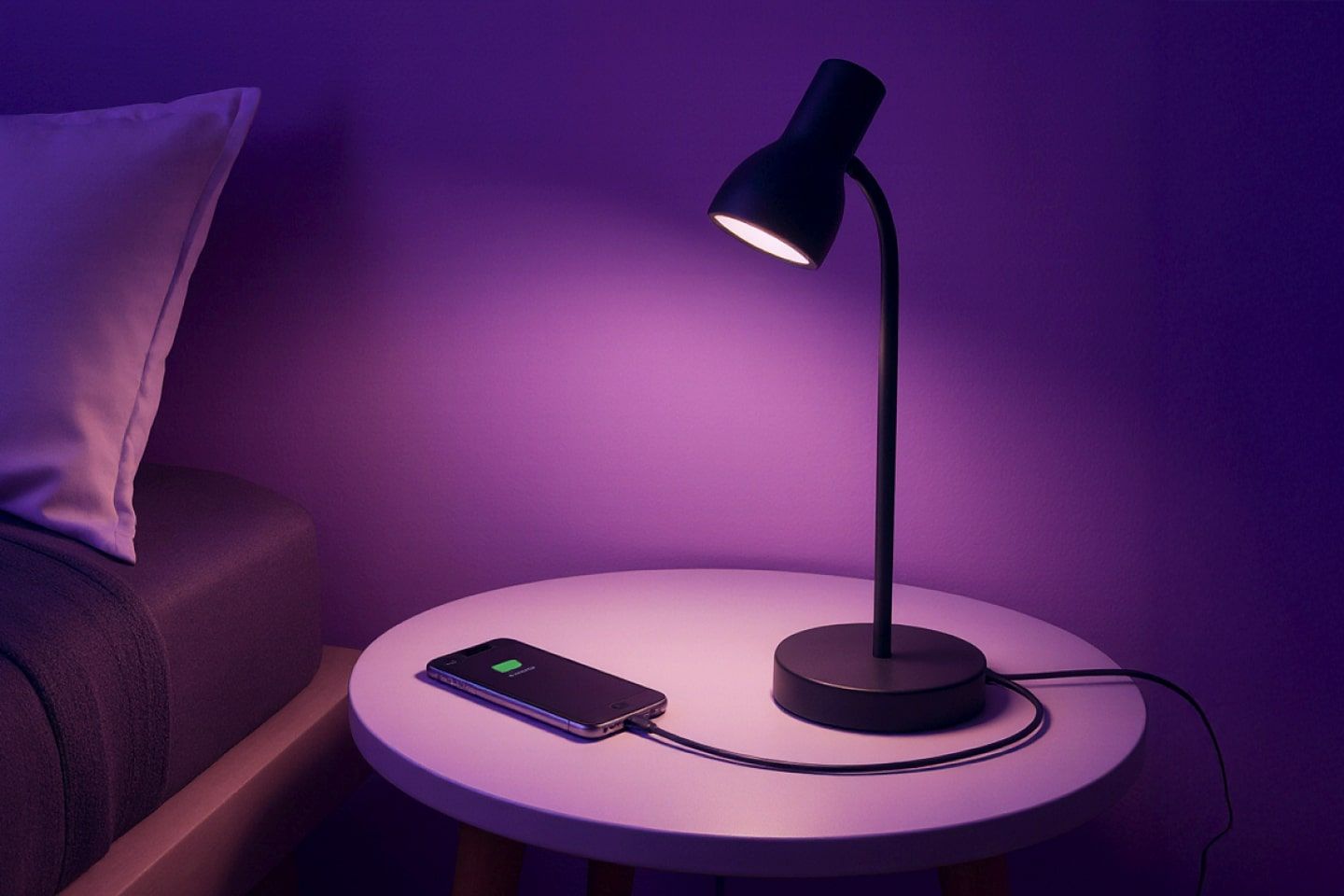
Chao-Yang Wang, the director of the Electrochemical Engine Center at Penn State University, agrees. He noted for Huffpost that fully charging your gadget makes its health decrease from 10% to 15% faster than charging it up to, for instance, 90%.
Luckily, most modern smartphones include smart charging features that pause the process at around 80% and resume closer to your usual wake-up time. So, if your device offers this option, switch it on. On a Samsung, you’ll find it under Battery Protection, and on iPhones, it’s under Optimized Battery Charging. In case your phone doesn’t have this feature, charge it earlier in the evening and keep it at 80–90%.
Mistake 2: Taking your phone to the bathroom
Scrolling while brushing your teeth or listening to a podcast in the shower may sound harmless, and it is something so many people do. As a matter of fact, 3 in 4 phone users in the US use their phones in the bathroom. While there are no numbers for this region, we don’t think they’re much different. But, bear in mind: spending your bathroom time with a phone is actually one of the easiest ways to reduce its lifespan.
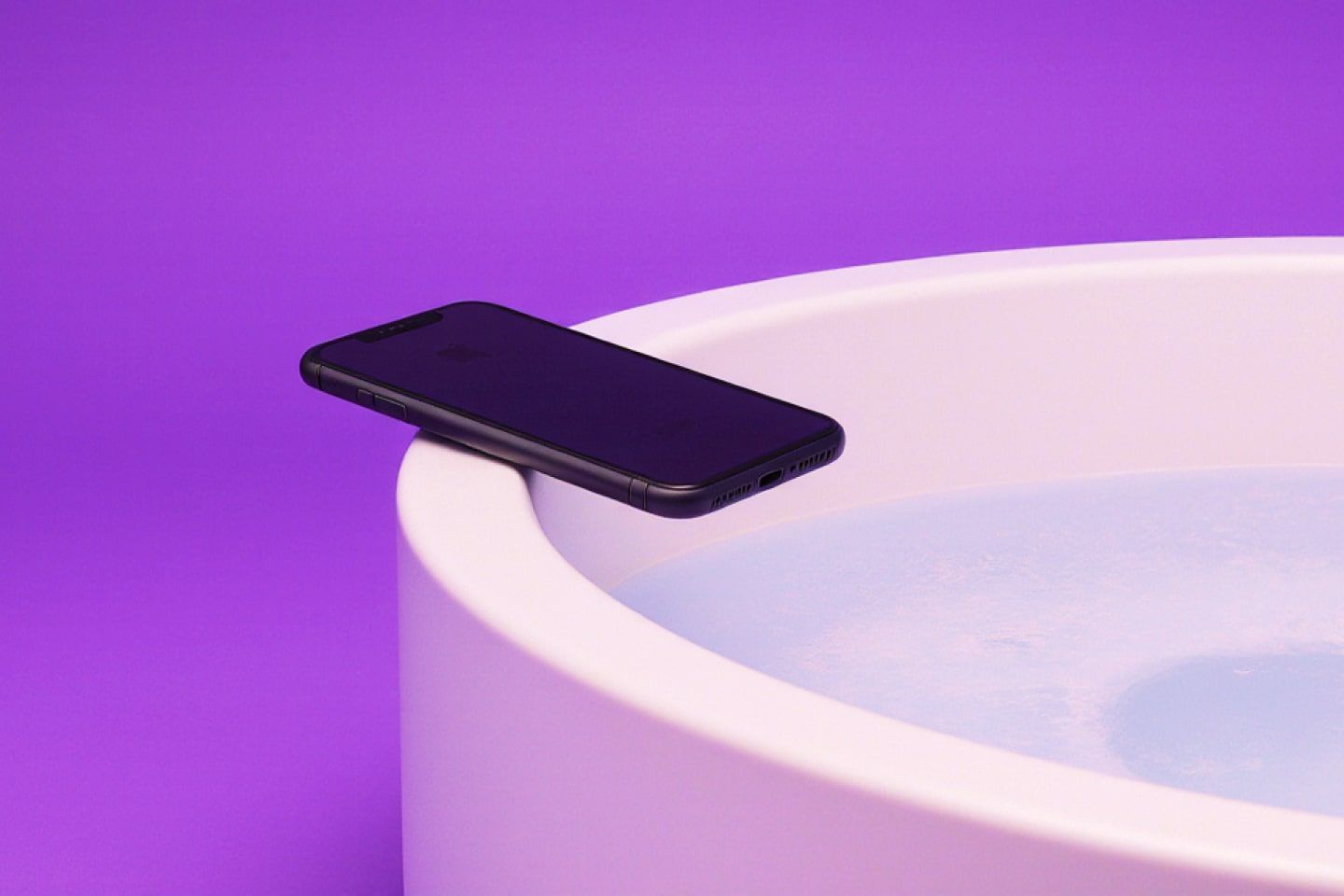
Bathrooms are extremely humid, and steam can creep into charging ports and speaker grills, causing corrosion in internal components over time. Even if your phone is waterproof, there is no guarantee that prolonged exposure to moisture will not ultimately affect its internal seals and sensors.
In addition, a phone in the toilet isn’t just bad for the phone — it exposes you to serious health risks. This is especially true if you’re planning to charge it there, given the dangers of electrical shock. Therefore, while you may be bored alone in the bathroom, you’ll at least be safe, and your phone will be away from excessive moisture.
Mistake 3: Leaving the gadget in the heat
Leaving your phone in a parked car or in direct sunlight is probably the worst thing you can do for its battery. Most phones retain light and warmth, so prolonged exposure can cause your phone to overheat, making the screen grow dim, slowing down performance, and even triggering automatic shutdowns. For instance, Apple reports users can expect their heated devices to stop charging, have a dimmed or blacked out screen, a weaker mobile signal, and disabled apps and features. The phone may even stop working completely in extreme conditions.
The optimal temperature for most gadgets is between 0ºC and 35ºC. So, anything above that will not only slow down its performance but may also lead to serious battery and screen damage. Therefore, never leave your phone unattended. And, if you’re driving in the heat, try to keep it away from the dashboard and out of the glove compartment.
Mistake 4: Not storing it properly
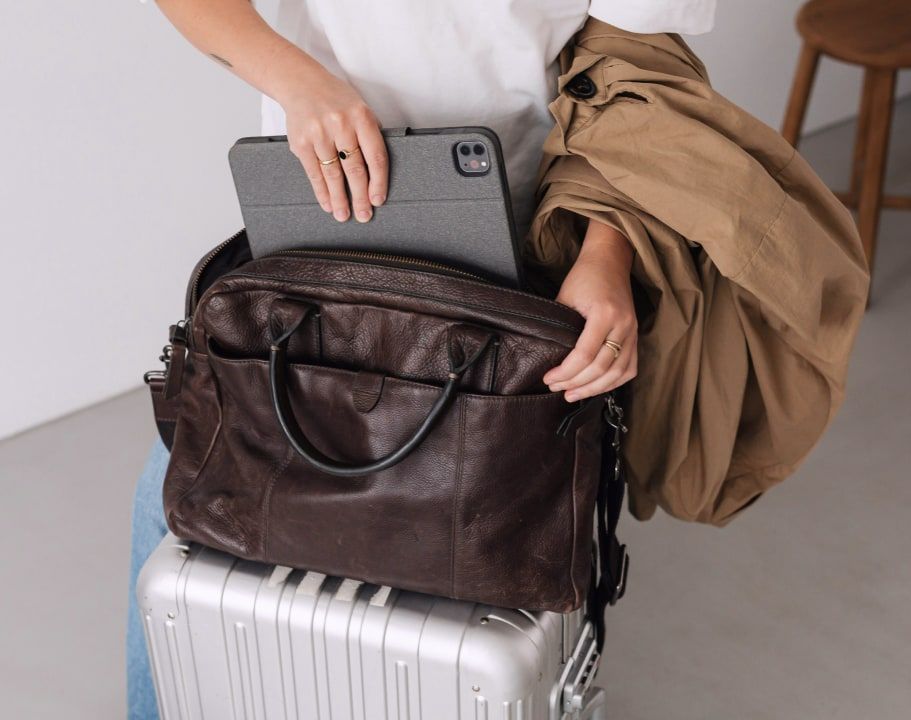
It’s common to toss your phone into a bag or pocket that’s already crowded with keys, coins, or other metal objects. But these objects tend to leave tiny scratches and accumulate over time, gradually dulling the glass and making it more vulnerable to cracks and chips. Moreover, waterproof coats and jackets can collect moisture over time, and storing your phone there means directly exposing it to moisture.
What’s more, lint and dirt from pockets can seep into ports. As a result, you can expect physical damage and port connection issues if you don’t clean the ports properly.
To protect it from damage, try carrying your phone in a separate pocket or sleeve inside your bag. Additionally, you can invest in a high-quality screen protector and a durable case to provide another layer of safety. And if you need extra protection, invest in gadget insurance, which covers accidental damage, screen protection, and water damage protection.
Mistake 5: Using the phone with dirty hands
Using your phone with wet, sweaty, or greasy hands can impair it over time. For instance, handling it after a workout, applying lotion, or cooking can introduce oils and debris into its ports and buttons. According to an article by the New York Times, sweat might actually be worse for your phone than water, since it contains salt and minerals. In time, this buildup can muffle microphones, make buttons sticky, or weaken charging connections.
Furthermore, phones are full of germs and bacteria, and you’re just adding more on if you’re handling them with dirty hands. Therefore, at least make it a habit to clean your hands before using your phone. You can also give your device a gentle wipe with a soft, lint-free cloth at the end of the day to keep it clean.
Mistake 6: Charging on soft surfaces
Charging your phone on a pillow, sofa, or bed might feel harmless, but soft fabrics can trap heat and block airflow around your device. Without proper ventilation, the battery and internal components can overheat, which, after some time, may reduce battery lifespan and slow performance.
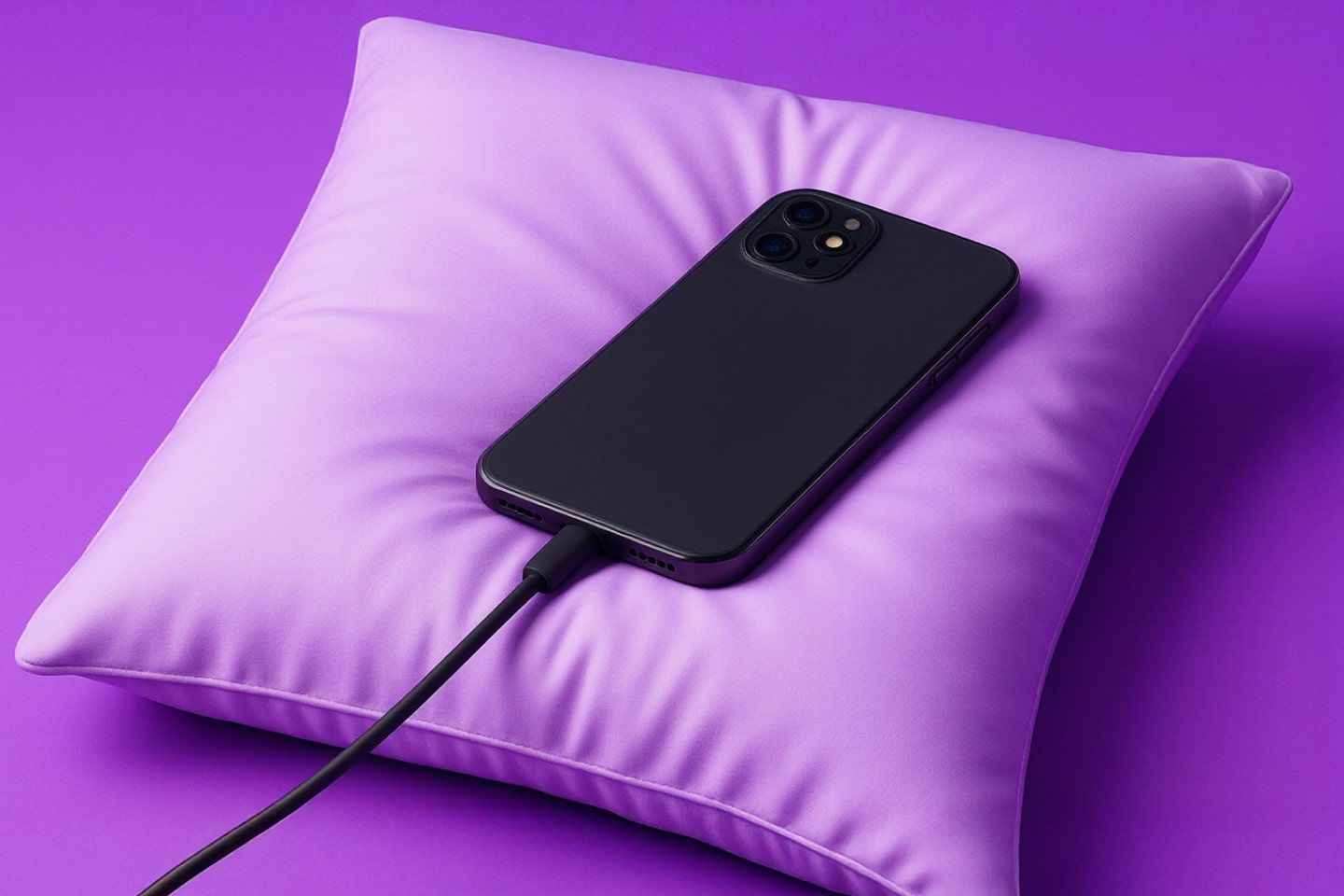
Fires are another major risk. As Paul Shaw, head of fire investigation at Staffordshire Fire Rescue, explained for The Guardian, you should always charge your phone on a flat, hard surface like a desk, nightstand, or countertop. That way, the battery won’t output too much heat. If you notice it's unusually warm, unplug it, remove the case, and let it cool down before plugging it back in.
Also, bear in mind that keeping your phone near you in the bedroom could disrupt your sleep through potential interference with melatonin production. So, this is not a good idea for both your rest and your gadget.
Mistake 7: Scrolling while charging
It’s tempting to scroll through Instagram or play a game while your phone is charging, but doing so can affect your phone’s health. Using your device while it’s plugged in not only generates extra heat, which over time can reduce battery efficiency, but also puts stress on the charging cable and port, and this can ultimately become a safety hazard.
On the upside, EcoFlow found that light activity, such as sending a text or Googling something, shouldn't cause a major concern. However, long phone calls and especially playing games and GPS can overwork the processor. Not to mention the substandard user experience, as a study from the Korea Advanced Institute of Science and Technology reported that 75% of people feel discomfort and have disrupted interaction flows and errors when playing mobile games on heated phones.
So, whenever you can, let your phone rest while it charges to keep both the battery and internal components healthy. If you do need to use it, try to leave the cable straight and avoid bending it sharply to avoid excess strain and fraying.
Mistake 8: Multitasking
While it’s tempting to take your phone everywhere, juggling a coffee cup, a bag, and your device at the same time can quickly turn into a disaster. Most cracked screens and chipped edges happen during everyday mishaps, like reaching for something, rushing between tasks, or simply holding too many items at once.
In fact, research from the Journal of Cleaner Production found that 43% of people who replaced their phones do so because they dropped their old one on a hard surface. In addition, 35% had their old gadgets accidentally come in contact with water, causing them to either stop working or operate with reduced performance.
To keep your phone safe, be intentional about where and how you carry it. Use both hands when texting or scrolling while walking, store it securely before lifting heavy or bulky items, and avoid leaving it near the edges of tables, counters, or other surfaces where it could slip.
Mistake 9: Not using the original charger
It might be tempting to grab any available charger when your phone’s battery is running low, but using the wrong charging cable or adapter can cause long-term damage. As WIRED Magazine reports, not all chargers are built to the same safety standards, and low-quality or uncertified versions can wear out your battery faster. Additionally, uncertified chargers may not have proper safety mechanisms, increasing the risk of short circuits or electrical faults.
Both Samsung and Apple urge users to opt for charges certified by the manufacturer to avoid ruining battery health and device damage, and voiding the warranty.