
Contents
Travel is one of life’s best experiences, but it can be tough on your tech. Phones, laptops, tablets, and cameras aren’t just tools — they carry your photos, work, and personal data. While on the road, accidents can happen fast — a phone slips into a pool, a laptop gets knocked in transit, or a camera is left behind in a café. Smart habits help protect your devices, and with gadget insurance, you also get a safety net that minimizes loss and keeps you connected no matter what happens.
Common travel risks for your gadgets
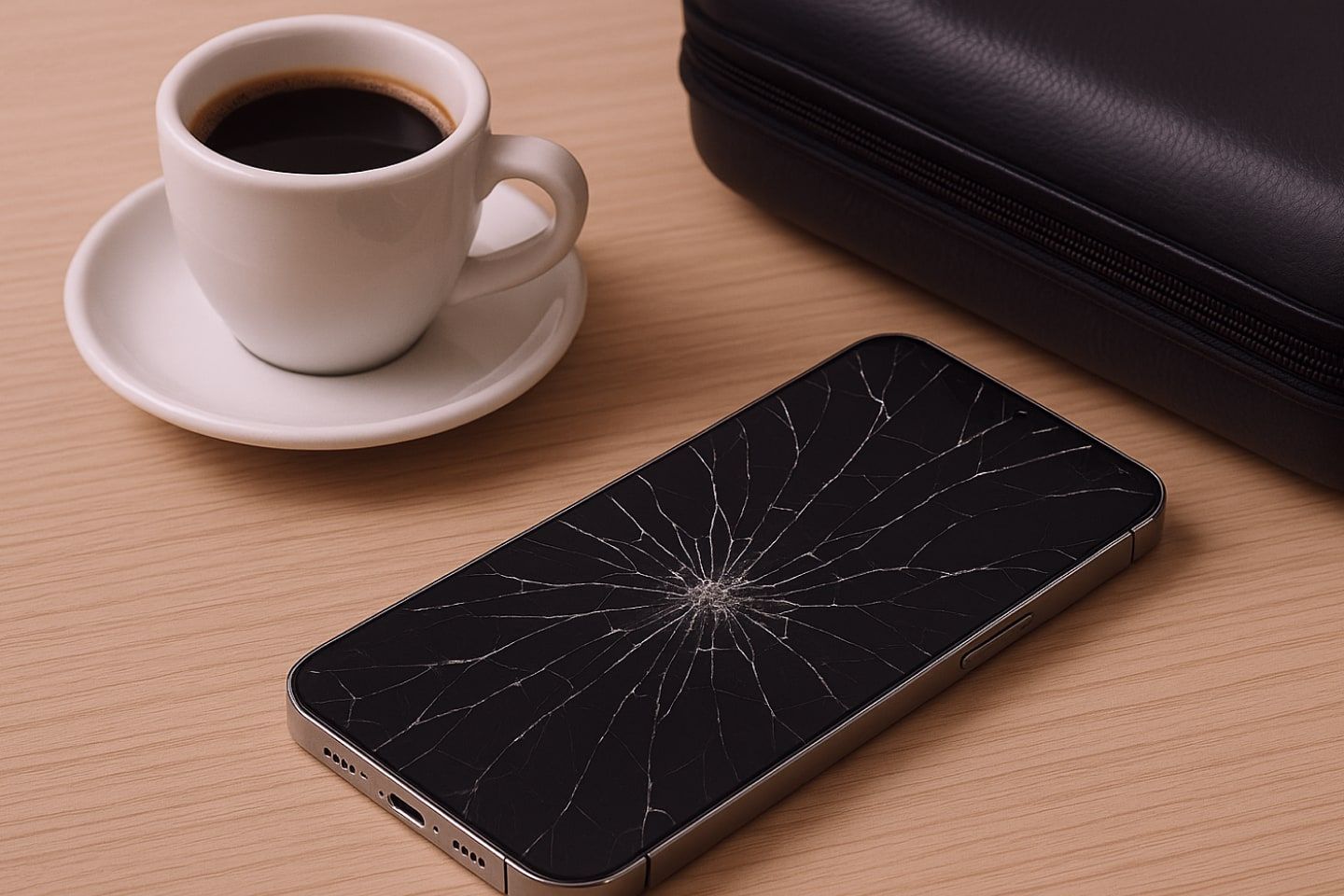
Even with the best preparation, your devices are exposed to damage or loss when travelling:
-
Theft: Pickpocketing and opportunistic theft are common in crowded tourist areas
-
Water damage: Poolside lounging, boat trips, or sudden rain can spell disaster for unprotected electronics
-
Moisture and temperature changes: Shifts between hot outdoor air and cool, air-conditioned spaces can create condensation inside devices, which is just as harmful as direct water exposure
-
Drops and bumps: From boarding gates to sightseeing tours, your tech is always at risk of being dropped or knocked
-
Airport challenges: Luggage transfers, security checks, and tightly packed bags can put strain on fragile screens and cases
And when something does go wrong, the repair bill can sting. According to Apple’s official pricing, fixing a broken iPhone 16 Pro screen can cost around QAR 2,000. A cracked iPad Pro screen repair typically falls within the QAR 700–1,100 range, while water damage repair on a Macbook Pro 13 inch can easily exceed QAR 1,000.
Simple tips to keep your gadgets safe on holiday
Pack and handle smartly
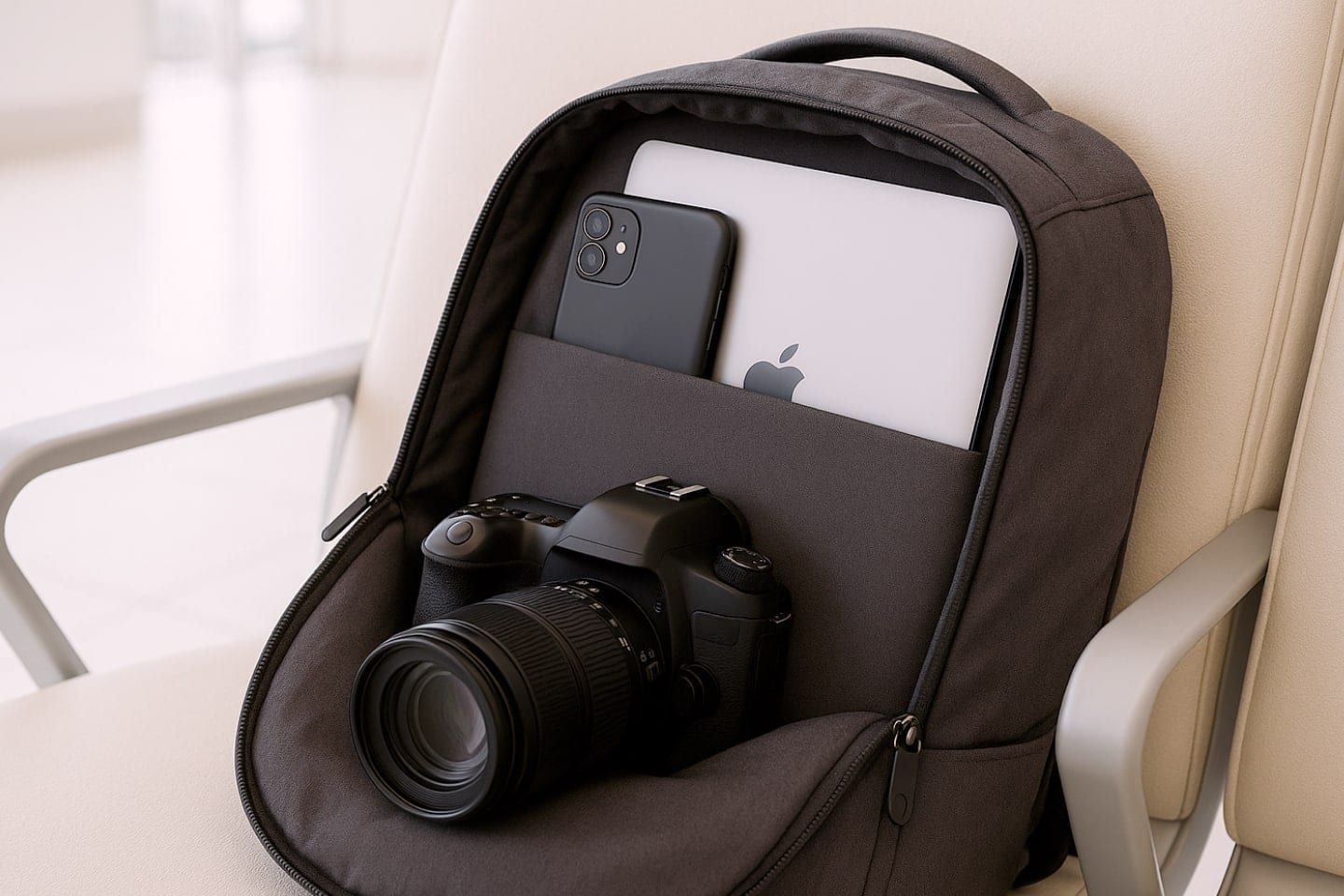
Keep electronics in your carry-on, since checked bags are more likely to be lost or mishandled. Protect your devices with padded laptop sleeves, shockproof camera bags, or anti-theft travel backpacks with lockable zippers. If you’ll be spending time by the pool, at the beach, or on a boat, waterproof pouches are essential. Avoid overstuffing backpacks, as pressure can crack screens or damage components.
Manage power and charging
Switching to airplane mode during long flights helps save battery life, but it is always smart to bring a power bank. A capacity between 10,000mAh and 20,000mAh is a good baseline, giving you about 1.5 to two full phone charges while staying within airline rules. Keep in mind that power banks must go in your carry-on — never in checked luggage — and the capacity should be clearly printed on the device. Always check to confirm your airline’s policy before you fly.
Practice everyday safety habits
Never leave gadgets unattended in cafés, trains, or on the beach. Store your devices in hotel safes whenever possible, or use portable lockboxes. In crowded areas, keep gadgets out of sight to avoid drawing attention.
Stay secure online
Update all your devices and apps before traveling. These updates often include critical security patches. Enable "Find My Device" to track or erase your device if it goes missing. For Apple users, AirTags are a simple way to keep track of luggage and backpacks. For extra security, back up your photos, files, and documents, and use cloud storage.
Get gadget insurance
It really helps to have a plan in case your phone ends up in the pool or your laptop gets damaged in transit. Some travelers, especially frequent flyers and digital nomads, choose gadget insurance that covers everything from cracked screens to water damage and internal failures. With digital nomad gadget insurance, your tech stays protected wherever work or travel takes you.
Protect your data and devices abroad
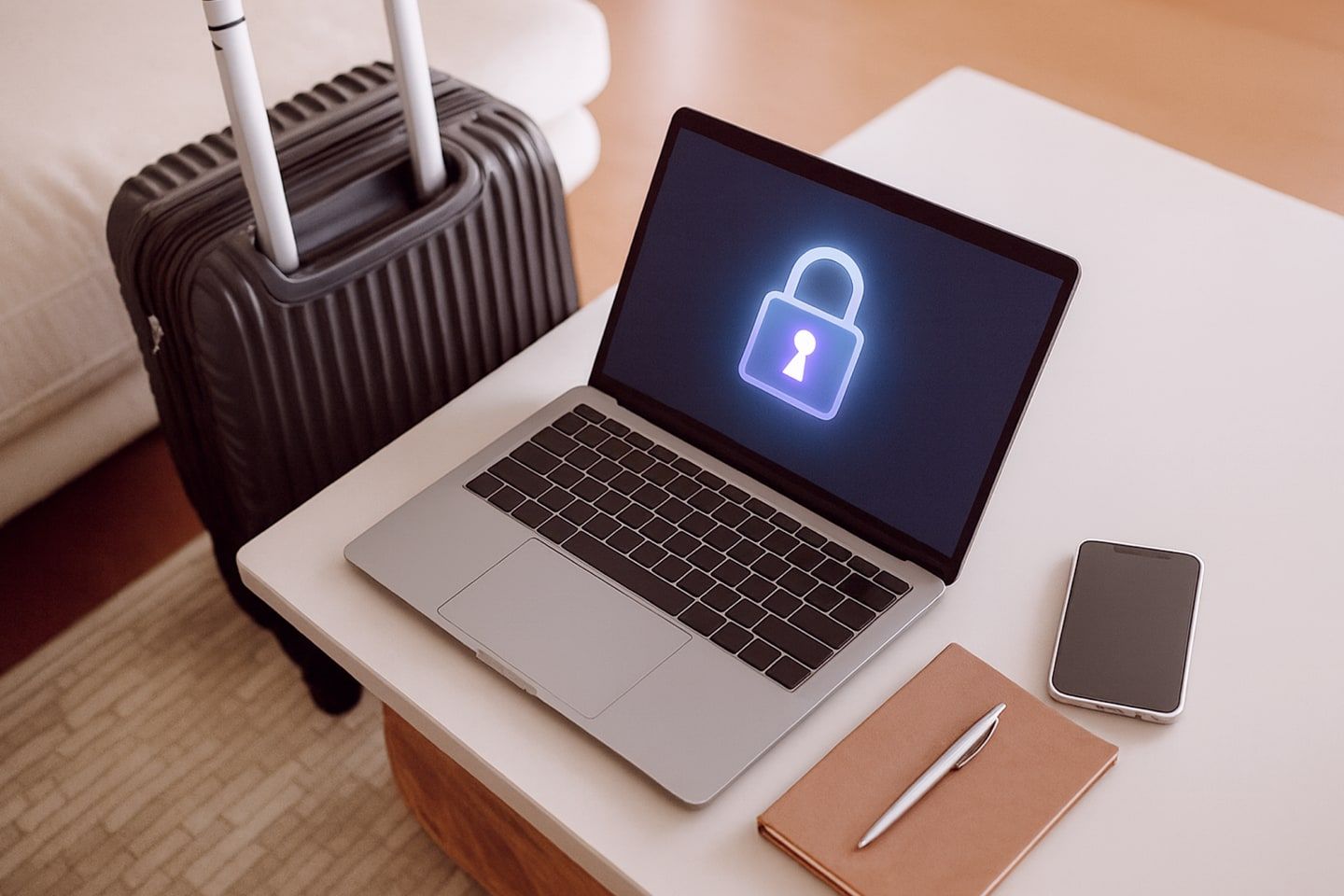
Using your phone or laptop overseas isn’t just about avoiding scratches or spills. The bigger challenges are often digital and travel-related. A 2023 Norton study found that 40% of travelers had their information compromised while using public Wi-Fi, with airports among the most common hotspots. But hacking isn’t the only thing to worry about — there are several tech-related risks to prepare for.
Unsecured public Wi-Fi, phishing scams, device theft, and malware on public computers can put your data at risk. To secure your gadgets against cyber risks, it’s best to Use a Virtual Private Network (VPN) or your phone’s hotspot instead of public Wi-Fi, and turn off auto-connect for Wi-Fi and Bluetooth.
It’s also important to set strong passwords and biometrics on your devices. Activate two-factor authentication (2FA) and stay alert to suspicious emails and fake travel websites.
Lastly, check gadget restrictions before you fly. Drones are generally permitted, but airlines are strict about the use of lithium batteries. These must be removed and carried in your hand luggage. Power banks follow the same rule — up to 100Wh is fine, 101–160Wh may need approval, and anything over 160Wh is banned. Always check airline policies before your flight.
What to do if your gadget is lost or damaged

Even with the best preparation, things can still go wrong. Here are simple steps to take depending on the situation:
Lost or stolen device
Report it to the local police for insurance claims and inform your embassy if sensitive items are taken. Use Find My iPhone for iPhone and Find My Device for Android phones to track or remotely wipe your gadget, and change passwords linked to the account.
Hacked or compromised data
Disconnect from Wi-Fi immediately, run a malware scan, and change passwords from another trusted device. Contact your bank if your financial accounts are affected.
Device won’t turn on or malfunctions
Try basic troubleshooting like charging with another cable, restarting, or letting it cool down. Check for local service centers or contact your brand’s international support if under warranty.
Charging or power issues
Use a reliable universal adapter, avoid cheap chargers, and carry a backup power bank.
Water damage
Turn it off immediately and remove the SIM and SD cards. Use a dry cloth to cover the device and place it in uncooked rice or silica packets. Never use a hair dryer as it can damage the internal components of your device.
No internet access or your SIM doesn’t work
Restart your phone, check Airplane Mode, or reinsert the SIM. If it still doesn’t work, use a local SIM/eSIM or connect to secure Wi-Fi. Choose networks that require a password and show “HTTPS” in websites you visit. Avoid logging into sensitive accounts and use a VPN for safer browsing.
Contact your insurance provider
Report the damaged or lost device. For frequent travelers, QIC’s digital nomad gadget insurance offers protection to keep you covered even while abroad.