Contents
A home office isn't just about having the right furniture — it’s about how the space supports your day. Where you sit, how your screen is positioned, and the tools you rely on can influence how efficiently you perform. This article brings together practical tips for remote work, along with ideas and budget considerations to help you create a setup that fits your needs.
What is the best way to set up a home office?
When setting up a home office, picture the space you want and tailor it to your lifestyle, routine, and work setup. The ideal spot to set up your work nook is somewhere with natural light, quiet enough to help you focus, and accessible for easy movement.
Integrating ergonomic work tools can also boost productivity by reducing the strain of prolonged fixed posture and improving comfort. Your chair should support your back, while your screen should be positioned at eye level to avoid neck strain. A stable internet connection is also important, especially for video calls and daily tasks that rely on consistent connectivity.
Lighting should be balanced between natural and artificial sources to avoid glare or harsh shadows. Combined with proper posture and a well-thought-out layout, these small adjustments can make your workspace more comfortable and easier to use every day.
What is needed for a home office setup?
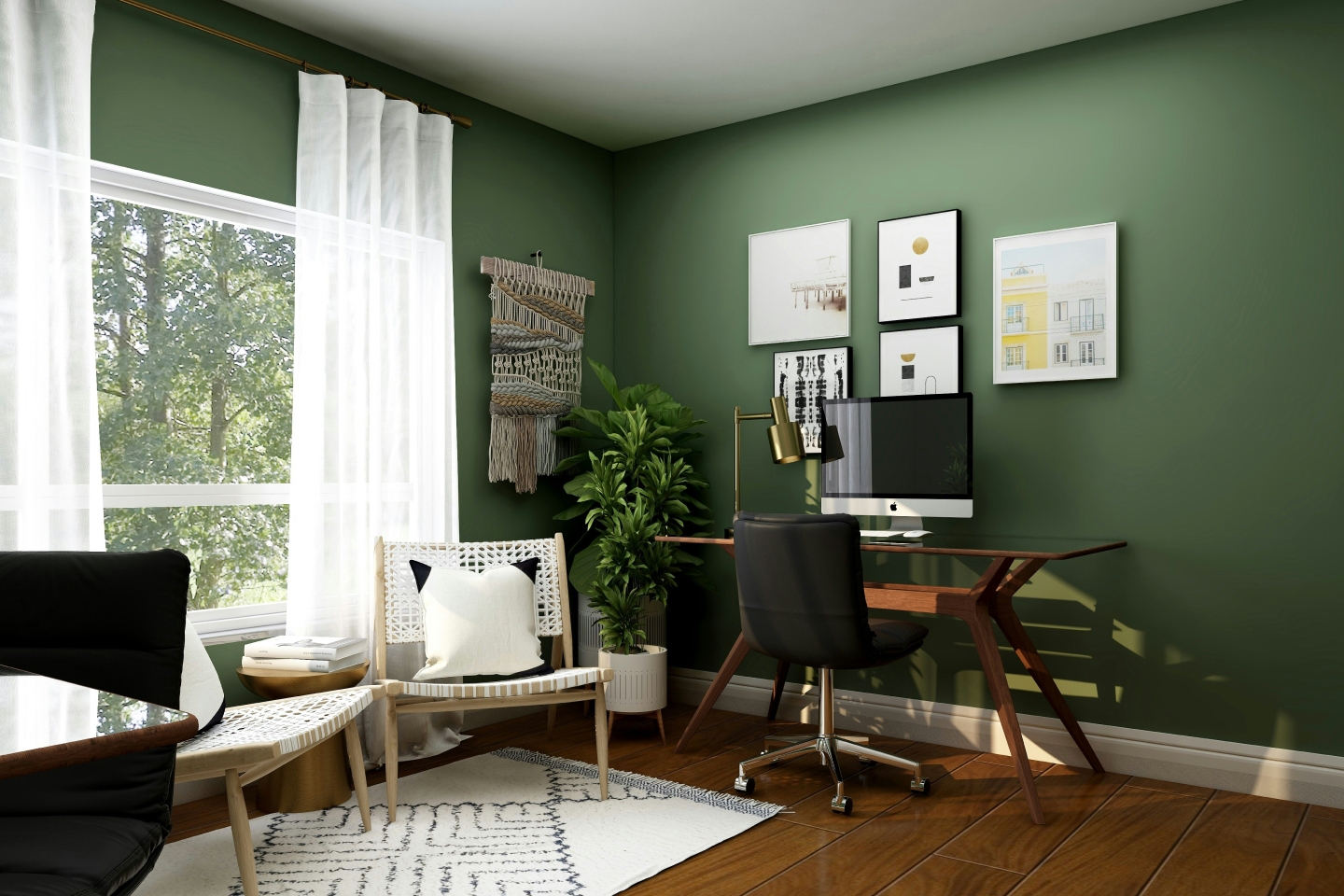
Setting up a home office becomes easier when you break it down into essential items. Here's a practical checklist to help you get started:
Key furniture items
A sturdy desk and a comfortable chair are the foundation of any home office. An ergonomic chair is ideal for long hours, while your desk should have enough space for your daily tasks without feeling cramped.
Tech essentials
At a minimum, you'll need a reliable laptop or desktop and a stable Wi-Fi connection. Having multiple screens can help improve productivity, especially if you multitask at work. If you're upgrading your setup, explore options on where to buy laptops in Qatar to find devices that suit your needs.
Accessories
Accessories help improve comfort and workflow. A laptop stand for desk use can bring your screen to eye level, while an external keyboard and proper lighting setup make your workspace more functional. If you're using multiple devices daily, it's important to think about how you'll protect them from accidental damage and wear and tear over time.
How to create a home office in a small space?
You don't need a dedicated room to create a functional home office. A quiet corner in your living room or bedroom can work, as long as it allows you to focus and stay organized. Maximize your space by using vertical storage, such as floating wall shelves, pegboards, and stackable organizers, to keep your desk clear. Multi-use furniture, such as a mobile standing desk, can also be practical, as it allows you to move your workspace when needed. This setup can be useful in shared spaces or if you need an extra setup when coworking with a friend.
How much does it cost to set up a home office?
The cost of setting up a home office depends on your needs, but most of your budget will go toward your desk, chair, and basic equipment.
A basic setup covering a simple desk, chair, and basic accessories can cost around QAR 500-1,000. A mid-range setup with additional equipment, such as an ergonomic chair and monitor, typically costs between QAR 1,000 and 2,500. Stores like IKEA and Midas offer extensive options for home office setups.
For a premium setup, costs can exceed QAR 2,500, especially if you invest in ergonomic tools. Your chair and desk will be the biggest cost drivers, so it's worth prioritizing quality for long-term use.
What are the recommended remote work practices for productivity?
A good home office setup works best with a consistent routine. Setting clear working hours helps create structure, especially in shared spaces.
Minimize distractions to keep your focus by keeping your setup simple and clutter-free. Utilizing a dedicated corner for your home office can make a noticeable difference. Adding smart tools like a digital alarm clock and calendars can also help you stay on schedule and manage tasks more effectively.
Your environment plays a big role in your productivity as well. Adding motivational visual elements, such as picture frames, canvas posters, and wall mirrors, that accentuate your interior can bring harmony to your space.
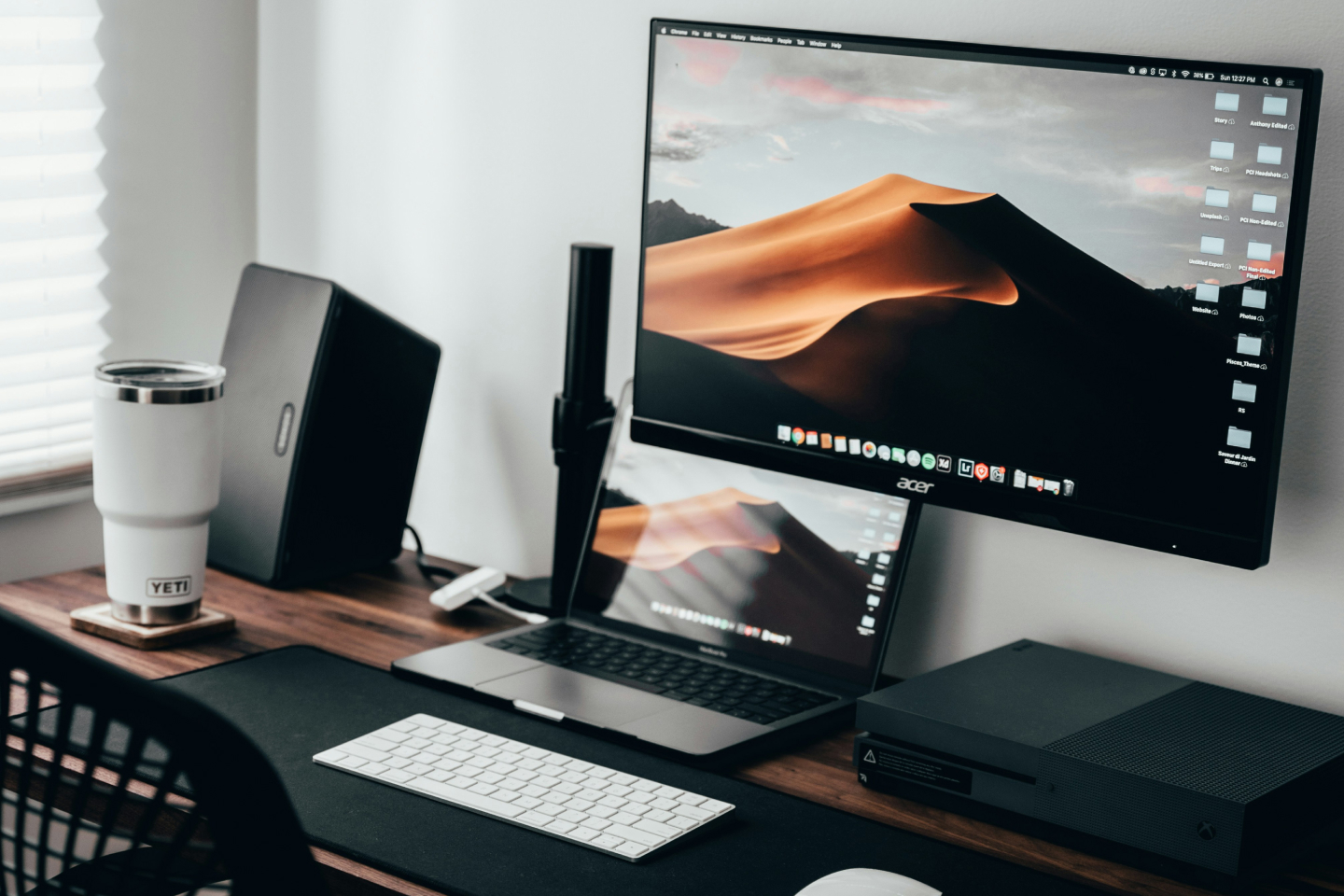
Your screen position also matters. Keeping it at eye level, as seen in practical office desk setup ideas, helps reduce strain and maintain focus. Don't forget to take short breaks and move throughout the day to avoid fatigue and stay productive.
How to protect your home office setup?
Protecting your home office setup is important, especially if you rely on your devices for daily work. Simple precautions, such as using a surge protector, can help prevent damage from power fluctuations, a common cause of equipment failure. Keep devices away from direct sunlight to avoid overheating and minimize electrical consumption.
If you have children at home, storing smaller gadgets safely when not in use and getting a cable enclosure can help prevent accidental damage. Your home office is an investment, and knowing which coverage options are available, whether through home insurance or device protection plans, can help you prepare for unexpected issues.
FAQ
What is the ideal desk height for a home office?
Do you need an ergonomic chair for working from home?
Can you work from home without a dedicated office?
What internet speed is good for remote work?
Where can you work remotely in Qatar?
How much money do you need to start a home office?